20 photography ideas for beginners, with just your phone
Twenty easy photography ideas to shoot with your phone, from puddle reflections to sunset silhouettes, plus the five phone basics that make them work.
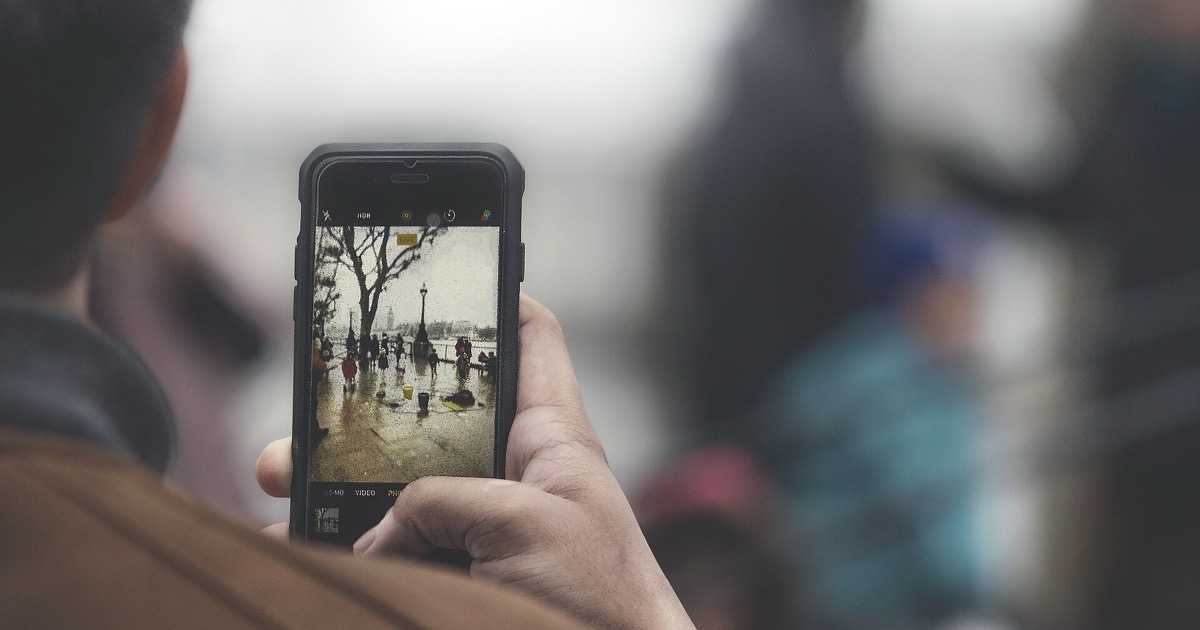
The best photography ideas for beginners use what's already around you: a puddle after rain, a long shadow late in the day, a street full of one color. Your phone is all you need. Here are 20, each with a tip that makes it work, then five phone basics that improve every picture.
Outside, in good light
1. Reflections in puddles
After rain, find a puddle with something worth doubling behind it: a building, a tree, the sky. Crouch until the water fills the bottom of the frame. Tip: hold the lens a few centimeters above the water. Turning the phone upside down brings it closer; rotate the photo afterward.

2. Silhouettes at sunset
Put something with a clear outline between you and the setting sun: a tree, a fence, a bridge. The shape turns black against the bright sky. Tip: tap the bright sky rather than the subject, then drag the exposure down until the subject goes fully dark.

3. Golden hour
Shortly after sunrise and before sunset, daylight is redder and softer than when the sun is high. Walk at that time and photograph whatever it touches: brick walls, grass, windows. Tip: check when the sun sets and head out well before it.
4. Long shadows
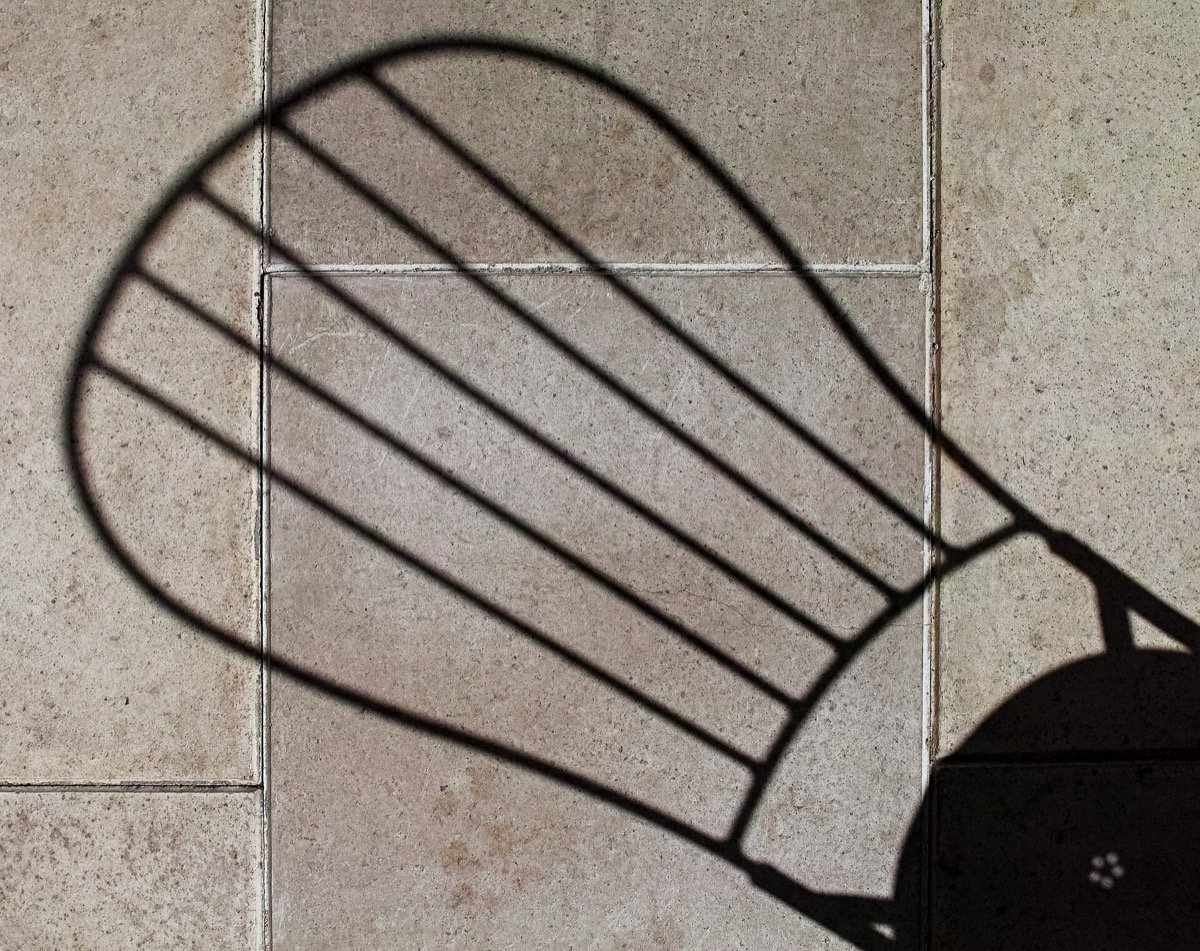
When the sun is low, shadows stretch out. Photograph the shadow instead of the thing that casts it: a chair, a railing, leaves on a wall. Tip: shoot from above so the shadow fills the frame and the object barely shows.
5. Fall leaves, lit from behind
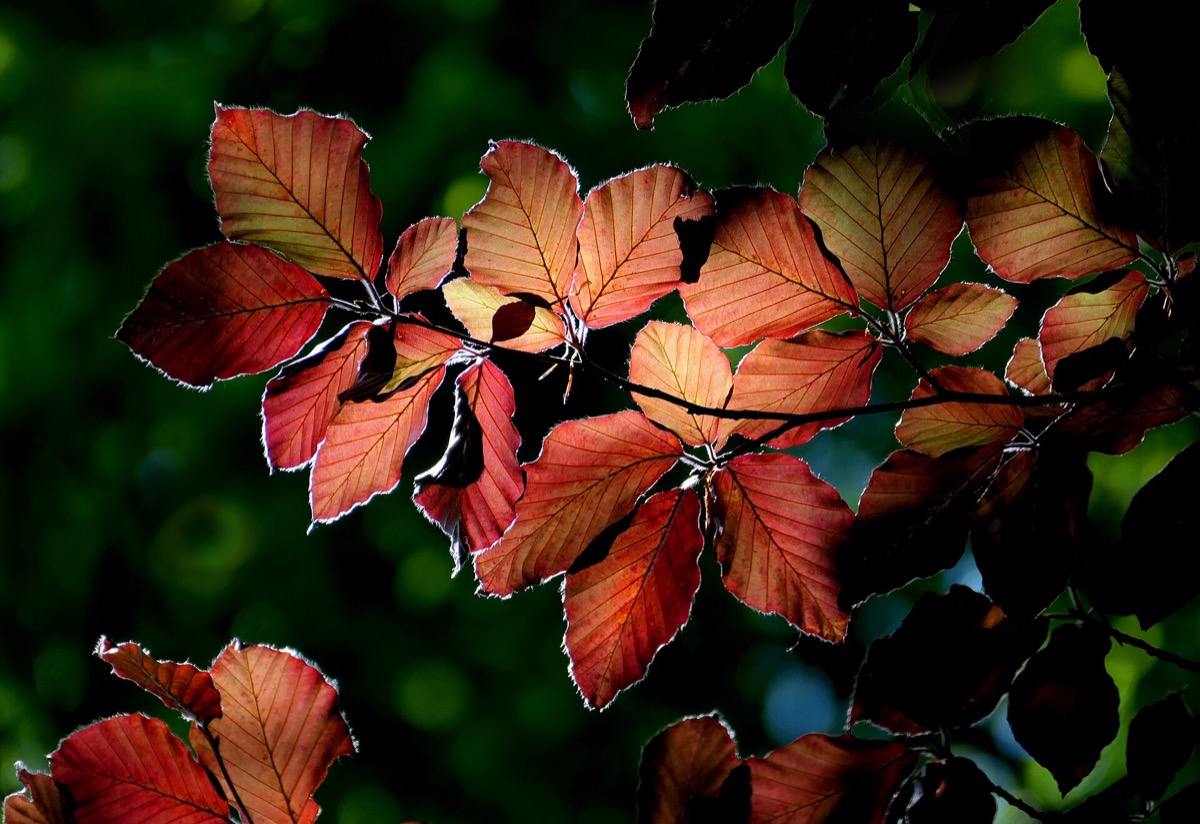
It's November, so shoot the last of the fall color while it lasts. Stand so the sun is behind the leaves and they glow. Tip: frame the lit leaves against something dark, like trees in shade, so they stand out.
6. City lights at night
Shop windows, streetlights and neon on wet roads make good night pictures. On an iPhone 11 or later, Night mode turns on by itself in low light, and Night Sight does the same on a Pixel. Tip: keep the flash off and hold still for a few seconds, or rest the phone on a wall or rail.
Lines, shapes and space
7. Leading lines
Paths, fences, railings and rows of trees pull the eye into a picture. Stand at one end and let the lines run from the bottom of the frame into the distance. Tip: stay off roads and railway tracks; a footpath works just as well.

8. A frame within a frame
Shoot through a doorway, a window, an arch or a gap in branches, so the opening frames the scene behind it. Tip: tap the scene beyond the opening, not the frame, and let the frame fall a little darker.
9. Symmetry
Look for things that mirror themselves: a building's front, a bridge, a hallway, a reflection in still water. Tip: here, dead center is right. Use the grid to line up the middle exactly.
10. Patterns
Rows of windows, stacked chairs, bricks and tiles all repeat. Fill the frame with the pattern so it seems to go on forever. Tip: then find one thing that breaks it, like a single open window.
11. Look up
Stand under a tall building, a tree or a high ceiling and point the phone straight up. Even a familiar place looks new from below. Tip: get close to the base so the edges rush toward the sky.
12. One small subject, lots of space
A single bird on a wire, a lone tree in a field, a bench against a blank wall. Leave most of the frame empty around it. Tip: place the subject on one of the grid lines rather than in the middle.
Close to home
13. Textures up close
Tree bark, rust, peeling paint, a knitted sweater. On supported iPhones, the camera switches to macro on its own and can focus as close as 2 centimeters; on a Pixel, use Macro Focus and move in. Tip: if the picture blurs, back up a little.
14. Food from above
Set a plate and a cup on a table and shoot straight down. It hides the clutter and makes a clean, graphic picture. Tip: shoot near a window with the flash off, and use the level to keep it straight.
15. A still life by the window
Put a mug, some fruit or a few flowers on a table next to a window. Light from one side shows shape and texture. Tip: hold a sheet of white paper on the dark side to bounce a little light back.
16. Hands at work
Hands kneading dough, writing or fixing a bike tell a story without a face. Tip: tap the hands to focus on them, and take several shots, since hands keep moving.
17. Your pet at its eye level
Get down on the floor so the phone is at your dog's or cat's eye height. The picture shows their world instead of yours. Tip: shoot in bright light, since pets move and low light blurs them.
Small projects
18. A color hunt
Pick one color for a day and photograph only things in that color: red doors, red signs, red leaves. Tip: start with red or yellow, which are easy to spot.
19. The same spot at three times of day
Choose one view, like your street, and shoot it in the morning, at midday and at golden hour. The light changes the whole picture. Tip: stand in exactly the same place each time and use the grid to match the frame.
20. Motion, blurred on purpose
A long exposure blurs moving water, crowds and traffic lights into smooth streaks. On an iPhone, take a Live Photo, then open it in Photos, tap Live and choose Long Exposure. On a Pixel, use Motion mode and choose Long Exposure. Tip: keep the phone perfectly still, propped on a wall or rail.
Phone camera basics
Tap to focus and set the exposure
On an iPhone, tap where you want the focus, then drag up or down next to the focus box to brighten or darken the picture. Touch and hold until AE/AF Lock appears to keep it for the next shots. On a Pixel, tap the subject; to keep focus and exposure on something that moves, tap Lock.
Turn on the grid
The rule of thirds splits the frame into nine pieces with four gridlines. Put your subject along a line or where two cross, rather than dead center. On an iPhone, go to Settings, then Camera, and turn on Grid and Level. On a Pixel, open the camera, tap Settings, then More Settings, then Grid type.
Clean the lens
Dirt on the lens can cause blur, halos, lines and odd colors. Wipe the lens and the glass around it with a soft, clean, lint-free cloth.
Use natural light
Low light makes photos dark, grainy or blurry. Move toward a window or step outside, and don't stand between your subject and the light.
Don't zoom digitally
Pinching to zoom mostly crops the picture before you take it, which throws away detail. Walk closer instead, or shoot wider and crop later.
Frequently asked questions
What should a beginner photograph?
Start with what's close and free: puddle reflections, long shadows, textures up close and a color hunt on your street. Good light and simple subjects make the easiest strong pictures.
Can you take good photos with just a phone?
Yes. Phones set focus and exposure for you, many switch to a night mode in low light, and some focus as close as 2 centimeters. Light and composition matter more than the camera.
How do you make phone photos look better?
Clean the lens, turn on the grid, shoot in soft natural light, keep horizons level, and walk closer instead of zooming.
Start Pics Please
A weekly photo contest: pitch the theme, shoot the challenge, and see who won and why at the weekend.
Psst is invite-only. Sign up with code PICSPLEASE
Scan with your iPhone / Download Psst
Psst is invite-only. Sign up with code PICSPLEASE
Sources
- Use iPhone camera tools to set up your shot
- Take macro photos and videos with your iPhone camera
- Take Night mode photos with your iPhone camera
- Use Night mode on your iPhone
- Edit Live Photos on iPhone
- Take high quality photos on your Pixel phone or tablet
- Take photos in low light or at night on your Pixel phone or tablet
- Fix photo or video quality issues
- Change your Camera app settings
- Rule of Thirds in Photography: The Essential Guide
- What is lens focal length in photography?
- Golden hour (photography)