Holiday card photo ideas you can shoot with a phone
Sixteen holiday card photo ideas for families, couples, people on their own and pets, each with one phone tip, plus USPS's 2026 mailing dates.

The easiest holiday card photos need no photographer and no matching sweaters: backs to a lit tree, a row of stockings, the dog watching a treat, your name stamped in snow. Prop your phone on something steady, set a 10-second timer, and shoot near a window or at dusk. Here are 16 ideas, each with one tip, then the settings they use and USPS's 2026 mailing dates.
For families
1. Everyone facing the tree
Stand with your backs to the camera, looking up at the tree or menorah, shortest in front. Tip: turn off the overhead lights and shoot at dusk, when the window still adds a little light.
2. The staircase
Sit on the stairs in whatever you're wearing, one or two to a step. Tip: prop the phone on a chair at the bottom and use the grid to center the stairs.
3. All your feet
Line up everyone's socks along the end of the couch, with the lit tree behind them. Tip: set the phone at sock height and tap the nearest foot to focus, so the tree goes soft.
4. One bed, everyone in it
Pile onto one bed in pajamas with coffee, books and the dog. Tip: face the window so morning light falls on you, and stand the phone on a dresser.
For couples
5. Carrying the tree
At the tree lot or farm, take one end of the tree each. Tip: prop the phone on your car, start a 10-second timer, and walk toward it.
6. The toast
Clink two mugs close to the phone, with a tree or string of lights across the room. Tip: use Portrait mode and sit far from the lights, so they blur.
7. The hallway mirror
Stand in coats and scarves at a mirror hung with a wreath, as if leaving for a party. Tip: turn off the flash, which bounces off the glass, and stand at a slight angle.
On your own
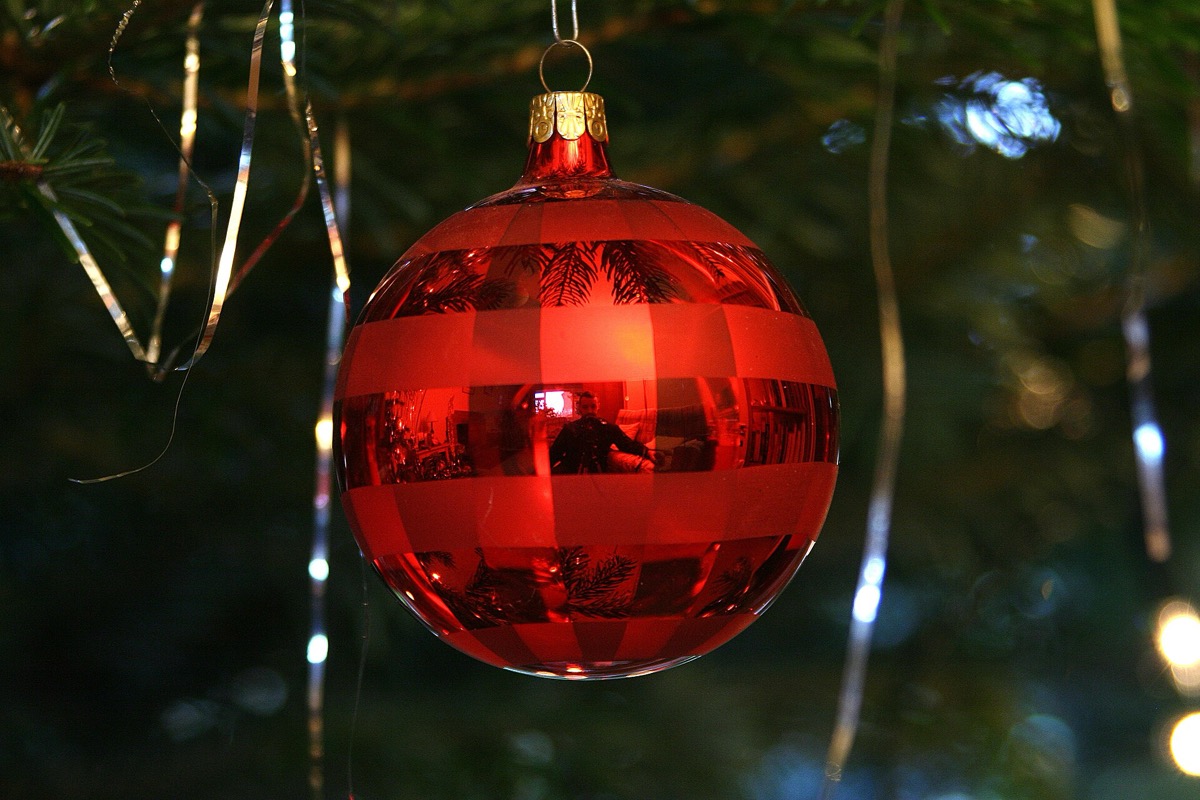
8. Your reflection in an ornament
Hang a shiny ball at eye level and photograph yourself and the room curving around it. Tip: keep the flash off, fill most of the frame with the ornament, and tap it to focus.
9. A present in place of your face
Hold up a big wrapped box so it hides your face. Tip: prop the phone on a shelf at chest height and step back until your whole outfit shows.
10. Your greeting held up to the view
Write your greeting on paper and hold it at arm's length, with your street or skyline behind it. Tip: tap the paper to focus.
With pets
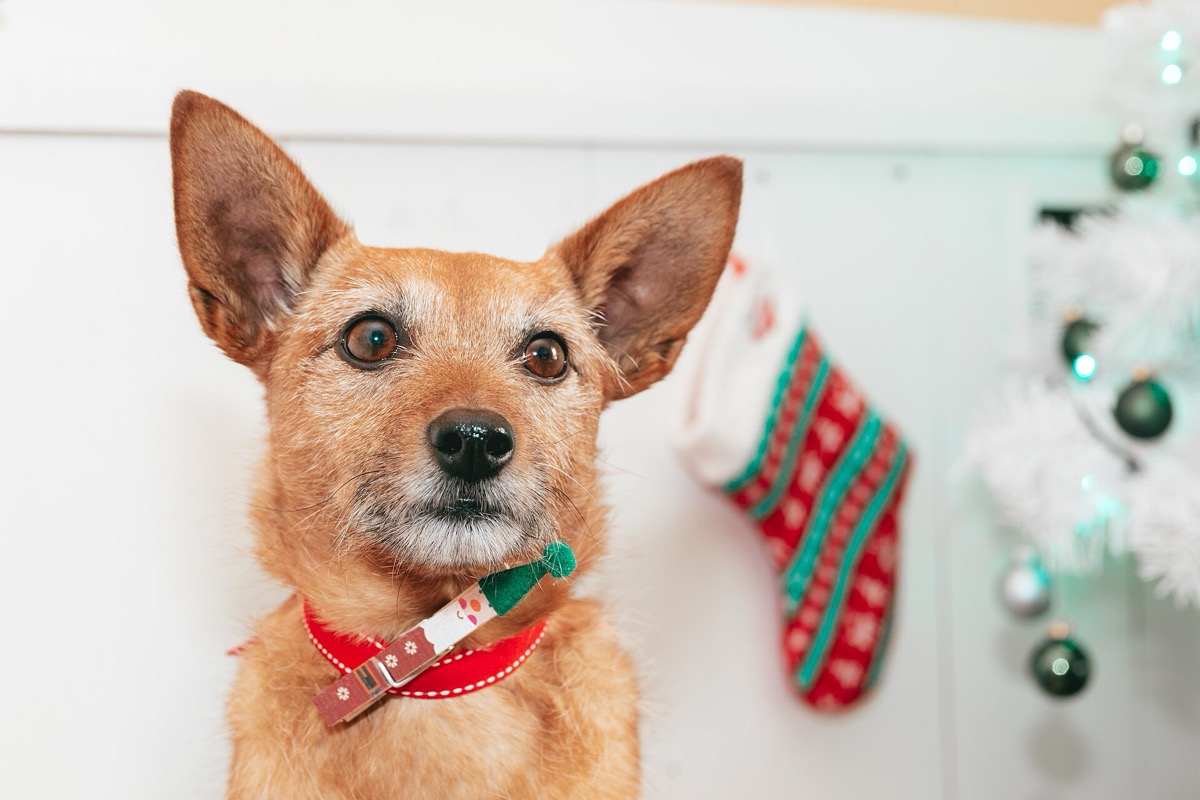
11. The treat above the lens
Hold a treat just above the phone so your pet looks straight at it. Tip: on an iPhone, drag the Shutter button left for a burst, then keep the sharpest frame.
12. Asleep under the lights
Wait until your pet naps near the tree. Tip: keep the flash off and rest the phone on the floor, since low-light modes need it still.
13. A paw in your hand
Hold your pet's paw in your palm, with lights behind you. Tip: wait until your pet is relaxed, then tap the paw to focus.
The ASPCA warns that swallowed tinsel could require surgery, that a wire can deliver a potentially lethal shock, and that mistletoe and holly can make pets sick.
With nobody in the frame
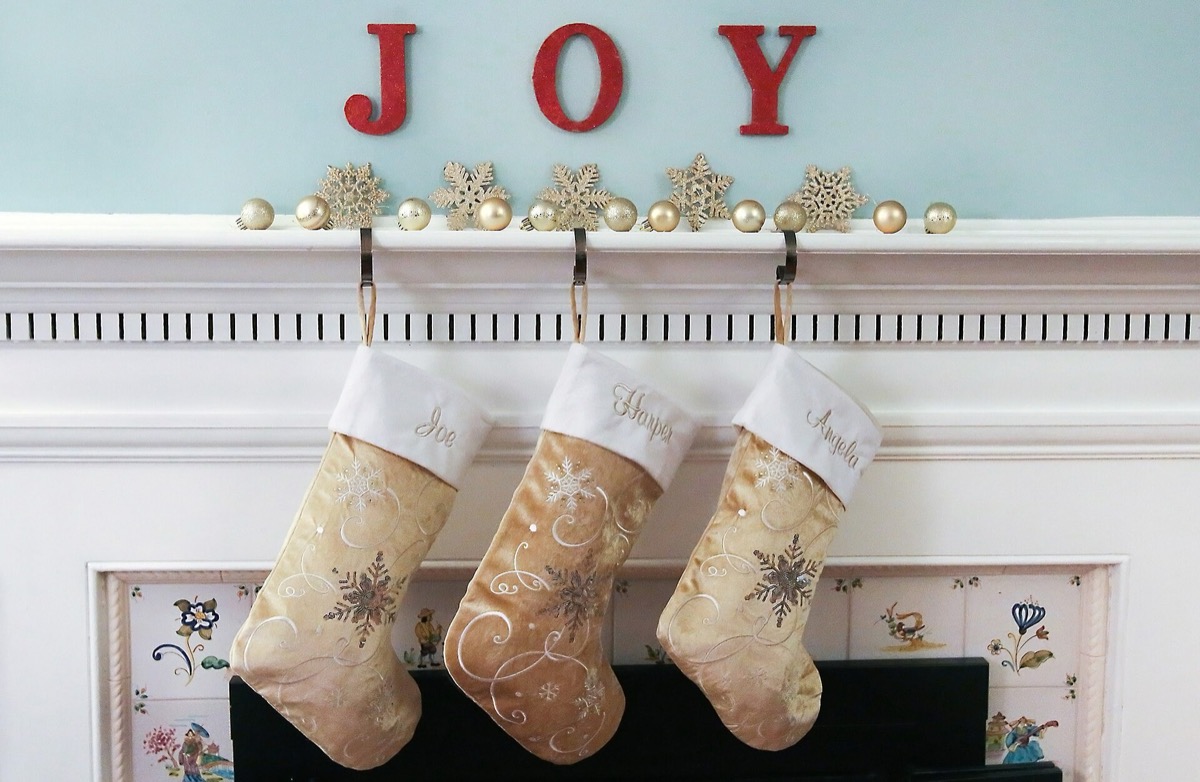
14. A row of stockings
Hang one stocking per person, pet included, with names showing. Tip: stand straight in front at stocking height and turn on the level, so the row runs straight.
15. Your name in snow or sand
Stamp your family name into fresh snow or draw it in wet sand. Tip: shoot from up high when the sun is low, so each letter holds a shadow.
16. Your home at dusk
Photograph your porch or a lit window while the sky still holds some light. Tip: cross the street and rest the phone on a wall.
Phone settings that help
- Timer: on an iPhone, swipe up from the camera modes, tap Timer, then 3, 5 or 10. On a Pixel, tap Settings at the top of the camera, then 3 seconds or 10 seconds on the Timer screen.
- Getting into the shot: an Apple Watch's Camera Remote works within about 33 feet of your iPhone. Add Me on a Pixel 9 or later stitches two shots together, so the first photographer joins the group. On iPhone Duo, Smart Take shoots when you hold a pose, and Kid Cue plays an animation to catch a child's or pet's eye.
- Portrait mode: on an iPhone, swipe left to Portrait, which keeps people, pets or objects sharp and blurs the rest. On a Pixel, tap Portrait in the photo mode carousel.
- Low light: on supported iPhones, Night mode turns on by itself. On a Pixel, tap Night Sight in the carousel. Either way, hold still.
- Grid and level: on an iPhone, go to Settings, tap Camera, then turn on Grid and Level.
- Room to crop: Shutterfly says printed items may crop up to 1/8 inch at the edges, and a 5×7 card (Walgreens' flat card size) is a different shape from a 4:3 photo. Step back a little and keep heads and words away from the edges.
When to shoot and order
The National Park Service's beginner's guide recommends the golden hour, shortly after sunrise or before sunset, when the light is warm and soft. It adds that slightly overcast weather makes people easier to shoot. On November 14, 2026, the sun will set at 4:30 PM in Chicago and 4:50 PM in Los Angeles.
The shoot and order dates below are suggestions, worked back from USPS's dates at one printer's pace: Shutterfly's 2026 guide lists 5 to 7 business days for production and delivery with Standard shipping, so a December 1 order reaches you by December 10. That's in time for USPS's December 17 date but can miss its December 9 military date, so order a few days sooner for military addresses. Other printers differ, so check the arrival date at checkout.
| Step | Aim for |
|---|---|
| Shoot | By Sunday, November 29, 2026, the end of Thanksgiving weekend (a suggestion) |
| Order | By Tuesday, December 1, 2026 (a suggestion) |
| Mail to APO, FPO and DPO addresses | By Wednesday, December 9, 2026 (USPS, First-Class Mail) |
| Mail within the US, including Alaska, Hawaii, Puerto Rico and US territories | By Thursday, December 17, 2026 (USPS, First-Class Mail) |
USPS calls its dates recommended send-by dates for expected delivery before December 25 and says actual delivery may vary. Its international table doesn't list letters and cards (First-Class Package International Service is December 9), so send cards going abroad early. USPS also notes that Hanukkah runs December 4 to 12 and tells mailers to adjust, but it gives no Hanukkah date. As a suggestion, the same lead time for a card that lands by the first night means mailing around Thanksgiving, November 26.
Frequently asked questions
When should I mail Christmas cards in 2026?
USPS recommends sending First-Class Mail by Thursday, December 17, 2026, or by Wednesday, December 9, to military addresses, for expected delivery before December 25.
How do I take a family card photo without a photographer?
Prop the phone on something steady, leave room for yourself, set a 10-second timer, tap the shutter and walk into place.
What can I put on a holiday card instead of a family photo?
A pet, a row of stockings, your home at dusk or your name in the snow. These also work if you live alone or someone would rather stay out of the picture.
Do square holiday cards cost more to mail?
Yes. USPS says envelopes must be rectangular to qualify for letter prices, and that square or vertical envelopes cost more. A rectangular envelope up to 1 ounce takes one Forever stamp, listed at $0.82.
Start Pics Please
A weekly photo contest: pitch the theme, shoot the challenge, and see who won and why at the weekend.
Psst is invite-only. Sign up with code PICSPLEASE
Scan with your iPhone / Download Psst
Psst is invite-only. Sign up with code PICSPLEASE
Sources
- 2026 Holiday Shipping Deadlines (USPS)
- How to Send a Letter or Postcard (USPS)
- Use iPhone camera tools to set up your shot (Apple Support)
- Take portraits with your iPhone camera (Apple Support)
- Take Night mode photos with your iPhone camera (Apple Support)
- Capture action shots with Burst mode on your iPhone camera (Apple Support)
- Take photos with Smart Take on iPhone Duo (Apple Support)
- Get children and pets to look at the iPhone Duo camera (Apple Support)
- Use Camera Remote on Apple Watch (Apple Support)
- Take a selfie on your Pixel phone or tablet (Pixel Camera Help)
- Take high quality photos on your Pixel phone or tablet (Pixel Camera Help)
- Take photos in low light or at night on your Pixel phone or tablet (Pixel Camera Help)
- Beginner's Photography Guide (National Park Service)
- Complete Sun and Moon Data for One Day: Chicago, IL, November 14, 2026 (U.S. Naval Observatory)
- Complete Sun and Moon Data for One Day: Los Angeles, CA, November 14, 2026 (U.S. Naval Observatory)
- Federal Holidays (U.S. Office of Personnel Management)
- Holiday Safety Tips (ASPCA)
- Last-Minute Holiday Shipping Guide for Cards & Gifts (Shutterfly)
- Photo Quality Guidelines for Optimal Prints (Shutterfly Support)
- How-to Guide: Flat Photo Card Templates (Walgreens Developer Portal)